What can I search?
Steam Name, Steam Account URL, or Account ID all work on the main search page.
FAQ
Quick answers for searching players and opening the right profile.
On Steam or Steam Web, go to your account page and click your profile, then copy the full URL from the address bar.
Open Steam and click your account or profile name.
Open your full Steam profile page.
Copy the URL from the address bar and paste it into the search field.
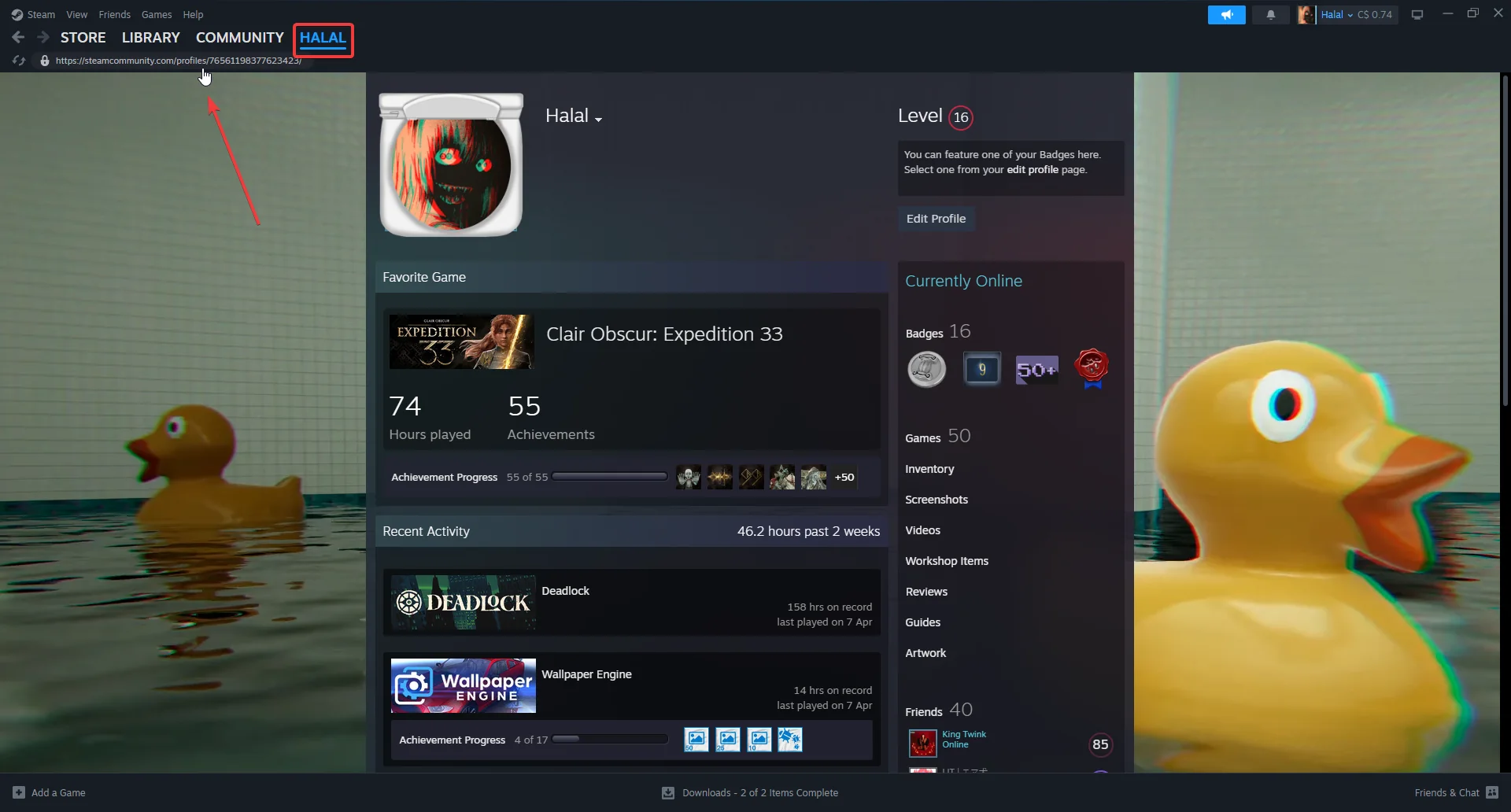
You can paste either a numeric profile URL like steamcommunity.com/profiles/... or a custom URL like steamcommunity.com/id/....
What can I search?
Steam Name, Steam Account URL, or Account ID all work on the main search page.
What does the site show?
Rank, recent matches, and most-played heroes for the player you search.